
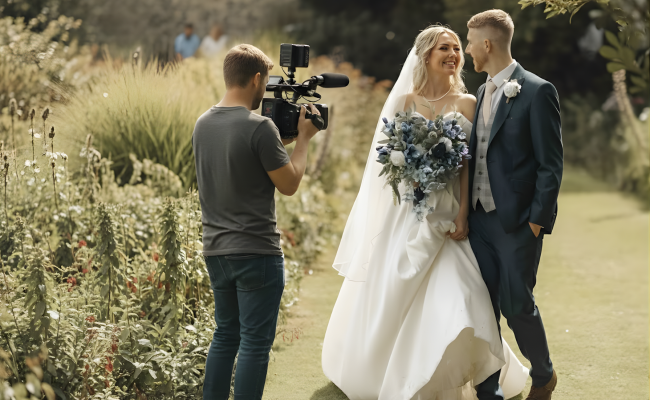
Struggling as a videographer to keep up with all the steps of wedding video production? It is something that every videographer struggles with during the busy season. Long shoots, hours of sorting files, and even more hours editing the final film. This all adds up really fast.
A smooth workflow, or taking support for a wedding video editing service, can help. It can help you to stay organised, deliver films faster, and keep your creative energy alive when the pressure rises.
In this blog, we are going to cover the complete workflow that can easily fit the modern videographer’s work. From the shoot day to final delivery, you will be able to see how small changes can transform the process and help you deliver faster. Let us now together build a workflow that works with you, not against you. By the end of this guide, wedding video production will not feel like a burden; rather, it will be manageable, efficient, and even enjoyable.
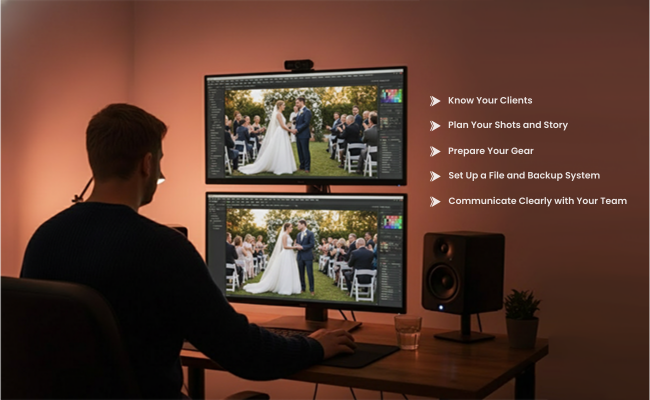
Pre-Wedding Preparation Workflow
Before the big wedding day, everything starts with preparation. A strong foundation, here at this stage, can make the wedding video production a lot easier.
Know Your Clients
Start the pre-wedding preparation by first understanding the couple. Understand what moments matter most to them. Along with this, try understanding their requirements, like whether they need a complete cinematic storytelling or a simple highlight reel. Asking the right questions at the early stage can help to save time later.
Plan Your Shots and Story
After understanding the requirements, create a shot list or storyboard. Think about the key moments, angles, and b-roll opportunities. Even rough notes at this stage can help you be organised and ensure that nothing gets missed.
Prepare Your Gear
Once the planning is done, check the cameras, lenses, microphones, and batteries that you will need. Even have the backup ready. Nothing hampers wedding video production like these gear issues.
Set Up a File and Backup System
Decide on the folder, along with the naming conventions that you will use, ahead of time. Plan for on-site backups. This small step can help to make the post-production process even smoother.
Communicate Clearly with Your Team
In case you work with an assistant or you have a second shooter, share the plan with them. Everyone should know what is expected. This helps to make the video wedding productions run smoothly without any problems.
Preparation is where efficiency starts. It reduces the stress on the big day and sets the stage for smooth and fast editing. A little time that is spent here helps to save hours later in the wedding post-production services. This pre-wedding video production turns out to be most beneficial if you, as a videographer, are planning to outsource wedding video editing services.
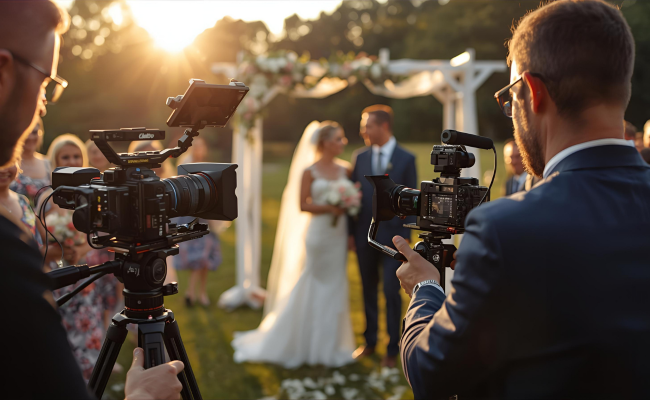
Wedding Day Workflow for Photographers and Videographers
The big day is when all the preparations you have made earlier will pay off. A clear workflow here will help you be calm and consistent.
Capture the Key Moments First
Arrive early at the venue and get the wedding schedule confirmed. Here at this stage, focus on the ceremony, vows, and special reactions. These shots turn out to be the heart of any wedding video production.
Don’t Forget the B-Roll
Along with the big moments, other important details also matter, like the rings, decor, and candid smiles. These clips help to add depth to your story. A strong B-roll library makes a video wedding production feel cinematic.
Pay Attention to Audio
Good sound is just half the story. Check microphones, record ambient audio, and capture the speeches early. Clear audio reduces headaches in wedding video post-production services.
Manage Lighting and Composition
After this, adapt quickly to the indoor and outdoor settings. Use the natural light when possible, but always have a gear ready for the backup spot. The consistency in the lighting can make your film look more professional and polished.
Backup Your Footage On-site
After each major segment, copy the files to a separate drive, which helps to make sure that if something fails, you are covered. A solid backup habit helps to save time and stress later in wedding video production.
Coordinate With Your Team
If you have a second shooter or assistants, communicate constantly. Everyone should have an idea of what shots are next. This keeps the day smooth and your workflow seamless.
By staying organised on the day of the wedding, you can create a strong foundation for post-production. Every efficient step here at this stage makes the editing faster, smoother, and more enjoyable.

Post-Wedding File Management and Organisation
Once the wedding is over, the real organisation begins. How you manage your files now affects every step of wedding video production.
Organise Immediately
As soon as the wedding comes to an end, take out a little time and sort files by event and camera. Create separate folders for ceremony, reception, and B-roll. Clear organisation will help to prevent confusion in the later stages.
Use Consistent Naming Conventions
Name the files correctly with dates, couple name, and scene info. Following consistency here helps to make searching and editing faster.
Create Backups
Never be completely dependent on a single copy. Use at least two external drives or cloud storage. This will help to ensure that your footage is safe and is ready for post-production.
Tag and Note Key Clips
Mark the standout moments or the important takes. This helps to save hours during wedding video post-production services. It also makes creating highlight reels smoother and faster.
Keep a Master Folder for Editing
Make sure to create a central folder that has all the raw footage, audio, and B-roll. This folder turns out to be your hub for efficient video wedding productions.
A little time spent on file management can save you from huge headaches later. It keeps your workflow smooth and also ensures that you can focus more on the creative side of wedding video production.
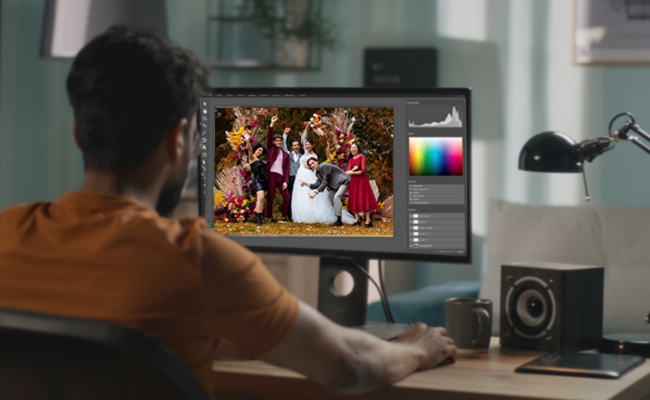
Editing Workflow for Wedding Creators
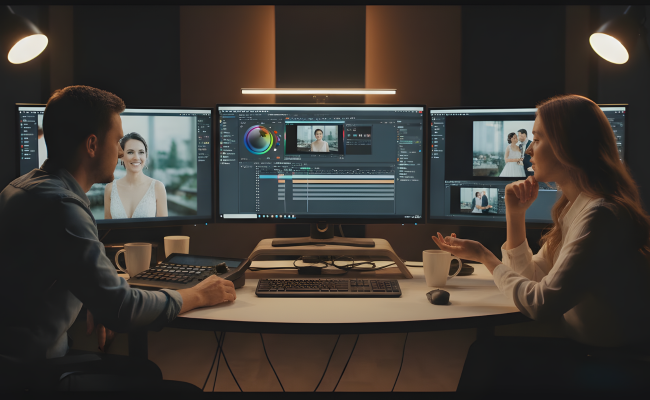
Editing is the time when your wedding video production truly comes to life. This is the time when your raw footage turns into a story that can make your clients happy.
Start With a Rough Cut
Start the process by placing your key shots in the correct order. Focus on the ceremony, vows, and major moments first. A rough timeline makes it easier to see the story before fine-tuning.
Add B-Roll and Details
After this, layer in your B-roll footage, like decor, candid reactions, and small details. B-roll helps to bring depth and emotion to video wedding productions. It also makes the transitions smooth and improves the storytelling flow.
Colour Grading
Managing consistency is the key. Adjust the colours properly to match the mood and style of the wedding. A polished colour grading service can elevate your wedding video production instantly.
Audio Design
Clean up the speeches and ambient sound. Add music that sits well wherever needed, and make sure that the music goes well in sync with the story. Choosing the right audio makes your video professional and engaging.
Fine-Tune Transition and Pacing
This stage involves cutting down the unnecessary footage. Pacing is everything, as it helps to keep the viewers engaged. A well-paced wedding video editing service will set you as the top wedding video production company.
Prepare for Delivery
Export the final files in the format that is required format. Organise the videos and photos properly for client delivery or online galleries. A smooth handoff makes your workflow more efficient and supports professional video wedding productions.
Editing turns out to be the heart of wedding video production. When done with the proper method, it can save time in wedding video post-production services and guarantee a high-quality result every single time.
Improving the Workflow Through Professional Support
Even the most experienced videographers can benefit from the extra support. Partnering or outsourcing parts of this workflow, and especially editing, can help you save time and reduce stress. This allows you to have a major focus on creativity while keeping your wedding video production consistent and professional.
One of the most common challenges is editing. It is something that can take hours or even days, especially for complex projects. Delegating some of the tasks can keep your workflow smooth and also ensure that the deadlines are met.
Working with a professional wedding video production company can provide you with many advantages:
- Faster Delivery Times
- Consistent Quality
- More creative freedom
- Reduced Stress
Communication is the key when you work with a partner or outsource services. Share your style guides, preferences, and expectations early. Regular updates and feedback loops can help to prevent misunderstandings and also ensure smooth collaboration.
Every small step that you take towards professional support can help make your workflow easy. By incorporating skilled help for your video editing services, you can turn out to be more efficient and your wedding video post-production services stay top-notch.
Tips to Speed Up Your Wedding Video Production Workflow
Efficiency matters in every wedding video production. Small adjustments can help in saving hours, and also help to make the process smooth from start to finish.
- Use presets and templates to keep the style consistent and to reduce the editing time.
- Automate repetitive tasks like renaming, syncing, or batch exporting.
- Keep the files organised before the editing process, which helps speed up the wedding post-production services process.
- Outsource the parts of the workflow, especially the editing part, when the schedule gets tight.
- Follow a consistent workflow for every project to improve speed as well as quality.
Conclusion: Build a Workflow That Helps You Create More and Stress Less
Following a strong workflow will help you keep your wedding video production smooth and stress-free. And you no longer have to manage everything on your own.
Eterna Edits is there for your help. Our team helps videographers by taking care of time-heavy editing work, so you can focus more on shooting, clients, and growing your business. With our reliable wedding video-post production services, your projects stay consistent and on schedule.
When you combine a clear workflow with the right support, your wedding video productions become faster, easier and much more enjoyable.
Wedding Video Production Workflow FAQs
How can I speed up my wedding video production workflow?
You can speed up your workflow by organising your files, using presets, automating repetitive tasks, and keeping a consistent editing process. Outsourcing post-production also helps save time during busy seasons.
Is it worth outsourcing wedding video editing?
Yes. Outsourcing can save hours of work and help you deliver films faster. It also ensures consistent quality, especially when working with a trusted wedding video production company.
How do I keep my wedding video edits consistent across projects?
Use templates, LUTs, presets, and a fixed workflow. Keeping a style guide also helps you maintain a consistent look and feel across all video wedding productions.
What should be included in a final client delivery?
Final films, highlight reels, reels/shorts (if offered), and any additional edits. Make sure files are clearly named and delivered through a secure cloud link for easy client access.
What’s the best way to manage multiple wedding projects at once?
Stay organised, follow the same workflow for every project, and use tools to automate tasks. When work piles up, partnering with a post-production team can help keep deadlines under control.
What’s the fastest way to organise wedding footage after the shoot?
Import everything immediately, label cards clearly, and create a folder structure that stays the same for every project. This simple step saves hours in editing later.
What tools do most wedding videographers use to edit faster?
Premiere Pro, Final Cut, DaVinci Resolve, and tools like PluralEyes for syncing. Many also use LUTs, presets, and templates to speed up wedding video production.
Should I outsource only colour grading or the entire edit?
It depends on your workload and style. Some creators outsource full edits, while others only send colour grading or highlight reels. Choose what saves the most time without compromising your creative vision.
How many revisions should I allow clients for wedding videos?
Most videographers offer 1–2 revision rounds. This keeps the process fair, clear, and efficient while still giving the couple room for personal adjustments.