
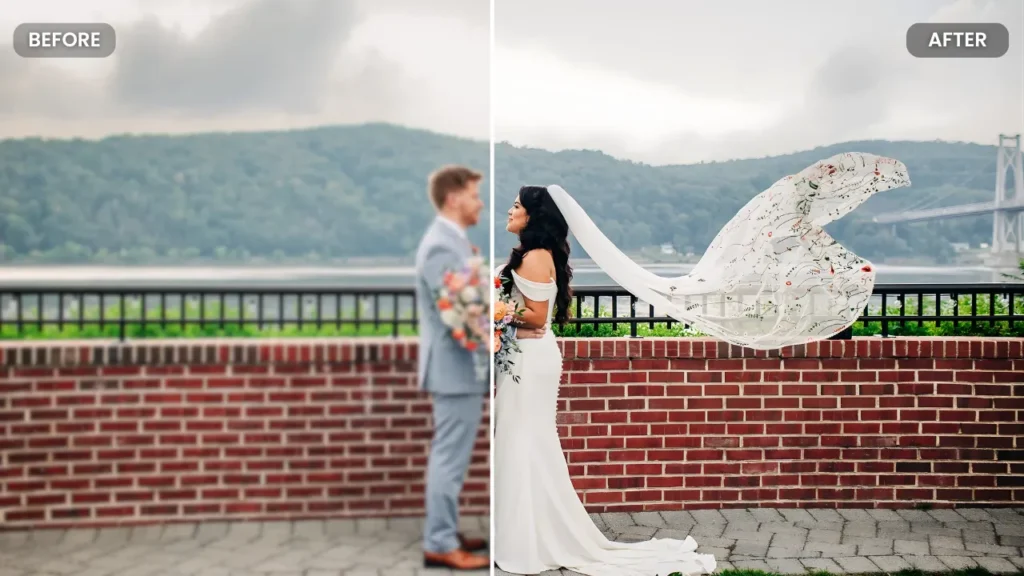
Old wedding videos often capture special moments, but because of low resolution and grainy frames, the quality of the video fades over time.
In 2025, with more and more platforms demanding high-resolution content, VHS to 4K enhancement ensures your video stays relevant to modern screens.
That’s where AI video enhancement transforms the outdated footage into crisp 4K video, flawlessly enhancing the visual appeal.
In this blog, we’ll explore how AI enhancement works for wedding films, which are the latest tools available and why professional video editing services make the process seamless.
Along with this, we’ll touch upon the top benefits, practical tips, and the future of AI-enhanced wedding films.
Ready to turn your old low-quality videos into stunning 4K resolution footage? Choose Eterna Edits for premium quality video editing services.
Why You Should Upscale Video to 4K in 2025
Converting raw footage into 4K video not only enhances the visual appeal but also promotes higher engagement and click-through rates. Here are standout features:
Stronger Platform Performance and Future-proofing
As 4K becomes the new normal, the content delivered in higher resolution guarantees long-term reliance in various social media platforms and in household TVs as well.
4K footage allows you to crop, zoom or reframe moments without losing the quality, ideal for close-ups, cinematic edits and social media teasers.
Higher Viewer Engagement and Better Emotional Impact
With sharper details, vibrant colors and realistic textures that make viewers feel more immersed in the footage, as if living in the moment.
Higher resolution films can hold viewers’ attention longer, helping build trust and emotional connection effortlessly.
Improved AI Processing and Editing Flexibility
With high-resolution video, post-production activities like color grading, stabilisation, reframing or slow-mo editing become easy and convenient.
Having a 4K master file ensures you can edit any anniversary highlights, social clips, all based on high source quality.
Broader Compatibility Across Devices and Platforms
4K videos look stunningly beautiful on big screens, projectors and modern smartphones, ensuring your special moments are displayed with the highest quality across devices.
With more streaming and sharing platforms starting to support 4K, AI-enhanced wedding videos will look best when shared with friends and family.
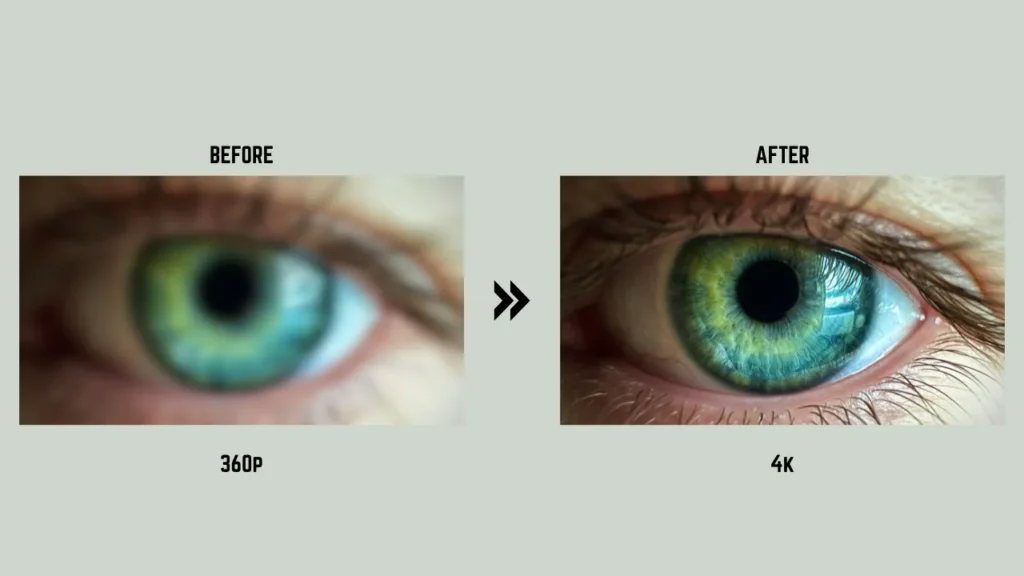
How AI Video Enhancement Works?
AI video enhancement is more than just resizing the pixels. Here’s a complete breakdown of how AI tools convert old footage into high-resolution videos:
Pattern Recognition
AI models are trained on millions of high and low-resolution video pairs. By analysing the recurring patterns such as edges, textures, faces and motion details, the AI learns to recognise what a high-resolution version of a particular video looks like. This ability to recognise patterns foundation for further enhancement.
Predictive Modelling and Guessing Details
Since old footage doesn’t have extra pixel data, AI uses predictive modelling (often driven by techniques like convolution neural networks or GANs) to enhance possible details like sharper facial features, more defined fabric textures or smoother background elements. This helps to transform a normal 720p image into a detailed, crisp 4K frame.
Temporal and Multi-frame Analysis (Video-level Logic)
Unlike simple image up-scaling, the latest AI video enhancers compare multiple frames to maintain fluid motion and avoid flickering when objects move in the frames. This process ensures the video feels smooth and natural.
Post-Processing: Sharpening, Denoising and Colour Correction
After upscaling and reconstruction, AI tools work on noise reduction, sharpening, deblurring, color enhancement and stabilisation, crucial steps for old, shaky wedding footage to turn into a polished-looking video.
Output & Rendering
Lastly, the software renders the upscaled video, which offers 4K, higher FPS (e.g. 60fps) and modern codecs/compression compatible with streaming services, TVs or archives. This makes sure that your video is future-ready.
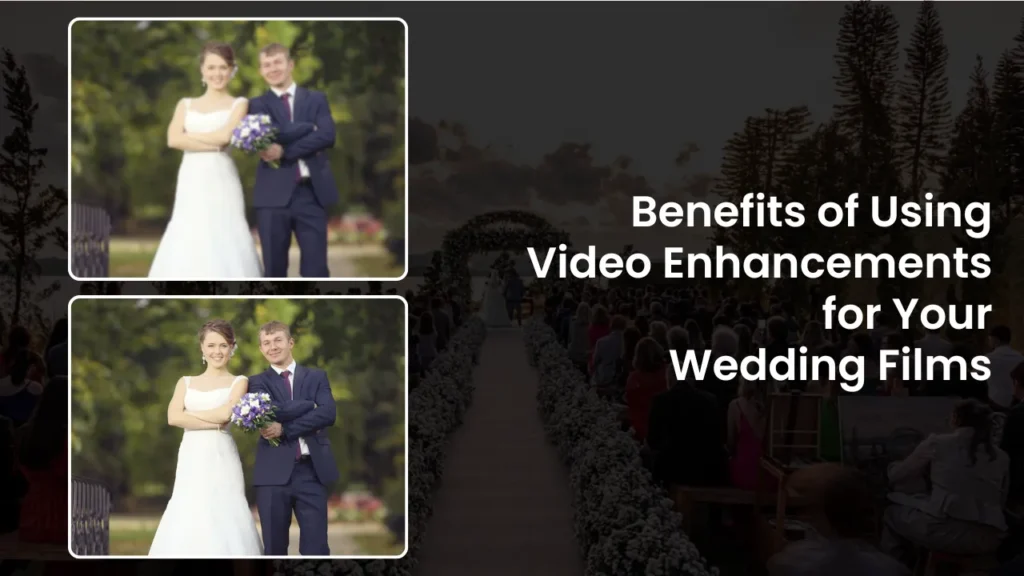
Benefits of Using Video Enhancements for Your Wedding Films
Here are the major benefits of using AI wedding video restoration tools for various types of wedding videos:
Sharper Details & Vibrant Colours
AI enhancement brings out the fine details in something as simple as lace on a dress, intricate jewellery, even expressions and eye detail, while restoring or amplifying colors for life-like visuals.
Reduced Imperfections: Noise, Grain and Blurriness
AI can clean grainy footage, suppress compression artefacts, reduce motion blur, and smooth out shaky camera work common in handheld wedding videos or early home footage.
Modern Compatibility and Future-proof Format
Upgrading to 4K will future-proof your wedding video for current and future devices, from HD TVs and 4K displays to VR, digital frames, and other formats.
Greater Flexibility for Creative Editing
With a high-quality master file, you (or a video editor) can freely apply cropping, zoom, slow-motion, stabilisation, and re-editing — useful for anniversary montages, social media clips, or re-cuts.
Emotional Resonance and Professional Finish
A restored wedding film is more vivid, timeless, and emotionally powerful; it’s perfect not only for family viewing but even for sharing with friends, posting on social media, or storing as a digital heirloom.
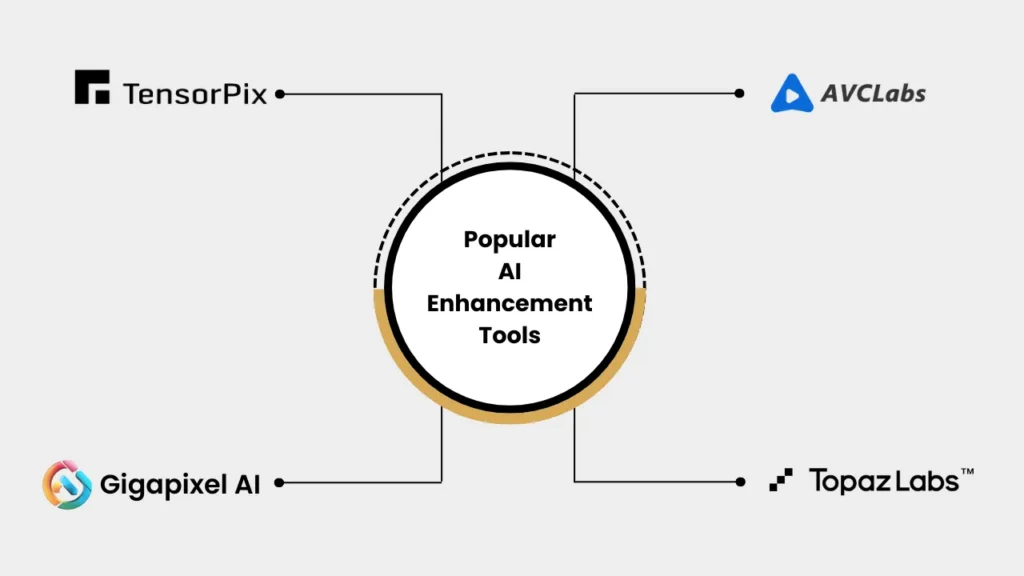
Popular AI Enhancement Tools
Here are some of the best AI upscaling tools available in 2025, along with what differentiates them and for whom they are ideal.
TensorPlix
A browser-based AI enhancer that offers VHS to 4K enhancement, adjusts frame rates (e.g. 60 FPS), minimises noise, sharpens frames, removes blur and restores old footage, all without installing any software.
What Makes It Different?
It works completely online via GPU-accelerated cloud servers. Perfect choice for quick upgrades, archive restoration or one-off projects.
Ideal for?
Couples who are looking for quick upscaling of old wedding videos or individuals who prefer a no-install, minimal effort solution. It is also useful for editors wanting a fast turnaround without heavy hardware.
Gigapixel AI
Gigapixel Video AI uses convolutional neural networks trained on high/low resolution video pairs, further analyses adjacent frames to enhance details, suppresses compression noise, preserves texture and motion consistency, and upgrades SD or HD footage to 4K or even higher.
What Makes It Different?
Its multi-frame analysis and temporal aware upscaling help to maintain natural motion and avoid flicker or glitches. Valuable for dynamic wedding videos which involve various movements and camera angles.
Ideal for?
Videographers working with outdated footage, cinematic wedding films, or videos where maintaining motion realism is essential.
AVCLabs Video Enhancement AI
A neural network-powered tool that enhances SD to HD, HD to 4K, and even 4K to 8K. It enables noise reduction, color enhancement, and upscaling, generally used for vintage videos, home movies or archival footage.
What Makes It Different?
It offers a balanced approach to quality enhancement and user-friendliness, a good entry-level/mid-range option for users without advanced editing skills.
Ideal for?
Individuals looking to enhance old wedding films, home videos or historical footage without needing advanced editing knowledge.
Topaz Video AI (by Topaz Labs)
Among the other AI tools, it is the most comprehensive tool for upscaling, noise reduction, deinterlacing, motion interpolation (changing FPS), stabilisation, batch processing, color enhancement and many more.
What Makes It Different?
Offers a wide range of AL models for different kinds of footage, e.g. models optimised for faces, motion, color grading, low light, or cinematic look. It also supports batch editing, ideal for long wedding videos or multiple clips.
Ideal for?
Professional video editors, wedding videographers, or anyone aiming for cinematic-level results. Especially useful if you plan to polish the film with editing, color grading, slow motion, or creative effects.
Other Tools & Alternatives
There are many more AI upscaling tools; some of them are cloud-based, some of them open source, and some are simpler than the above, useful for quick tasks or experimentation.
For example, cloud-based platforms are ideal for those without powerful hardware. Others may offer a preview of only free tiers, a good way to test before committing long-term.
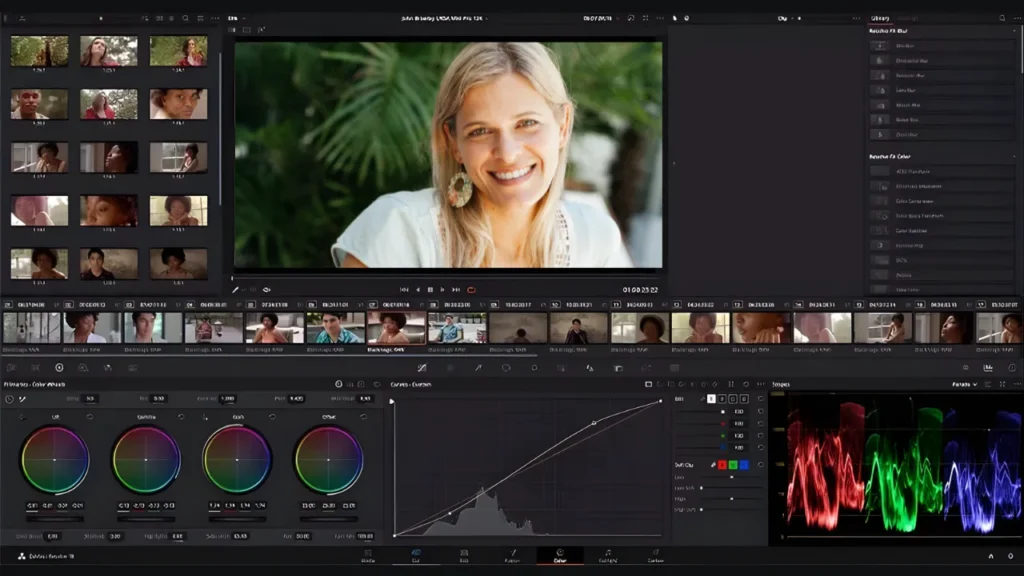
Tips to Consider When Upscaling Your Video
After understanding the various AI tools, here are a few practical tips for smoothly refining your video:
Choose the Right Tool for Your Footage
If you have old, grainy VHS-like footage, then a strong enhancing and reconstruction tool will probably work best, such as AVCLabs or TensorPlix. For cinematic wedding footage needing stabilisation or color grading, go for a full-featured tool such as Topaz Video AI.
Balance Noise Reduction and Sharpening
Over-aggressive enhancement might give way to a fake or artificial-looking outcome. It’s often better to go subtle and fine-tune manually.
Test Using Short Clips First
Try a few seconds or minutes first, before committing to the whole wedding film, which could be hours long. It saves time and helps in judging the quality/realism.
Test Across Devices
A video might look nice on your phone, but too sharp or noisy on a big screen. Check on 4K TV, laptop, and phone.
Keep Original Files Safe
Always make backups of the original footage before upscaling, should there be some unsatisfactory AI output or if you may want to revert later and edit in post.
Pay Attention to Frame Rate
In case this original video is low-FPS, some AI tools offer frame interpolation-e.g., 30fps → 60fps-for smoother motion that works great for dance sequences or wide-angle shots.
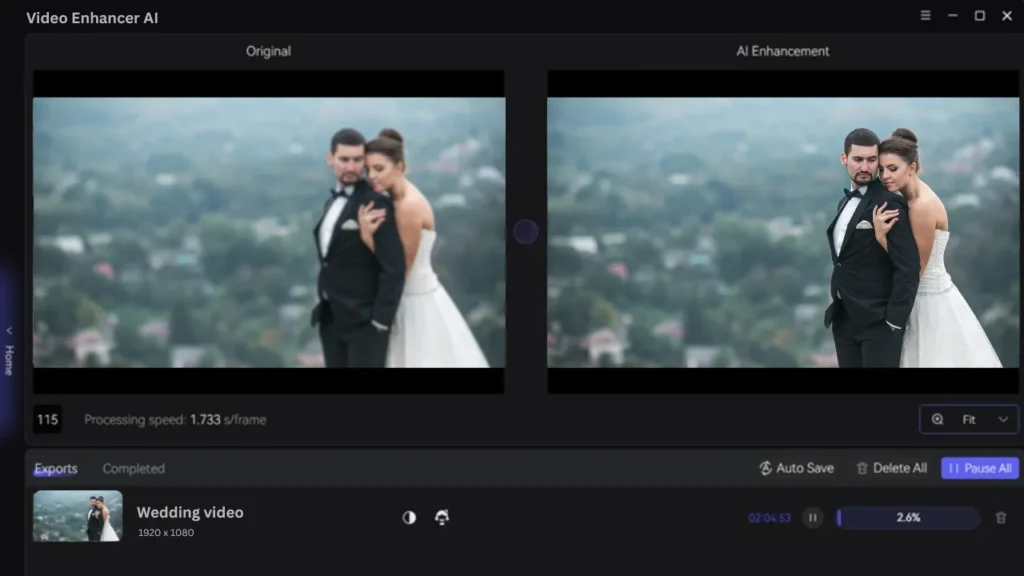
Hardware and Performance Considerations for AI Video Enhancement
High-end GPUs, such as the NVIDIA RTX series, give a major boost to AI wedding video restoration processing, shaving rendering time from hours down to minutes for full wedding films.
For such enhancement work, therefore, it is important to have sufficient RAM, ideally 32GB or more, for smooth frame analysis without crashing.
At least a 1TB SSD provides extensive storage capacity for holding raw footage and temporarily rendered files efficiently.
Efficient cooling systems minimise thermal throttling during extended and intensive AI processes, thus maintaining consistent performance.
Scalable processing power can be achieved through cloud-based AI video enhancement options that bypass the limitations of average PCs.
It is relevant to consider power consumption, as workloads associated with AI enhancement could greatly extend electricity consumption in home office configurations.
Additional hardware recommendations:
- Give priority to NVMe SSDs for fast read/write speeds, which enhance data access and processing.
- Keep your GPU drivers up-to-date to ensure optimum performance of AI models and compatibility with the latest features in software.
- For large or multiple projects, consider subscription-based cloud services for scalable AI wedding video restoration capabilities.
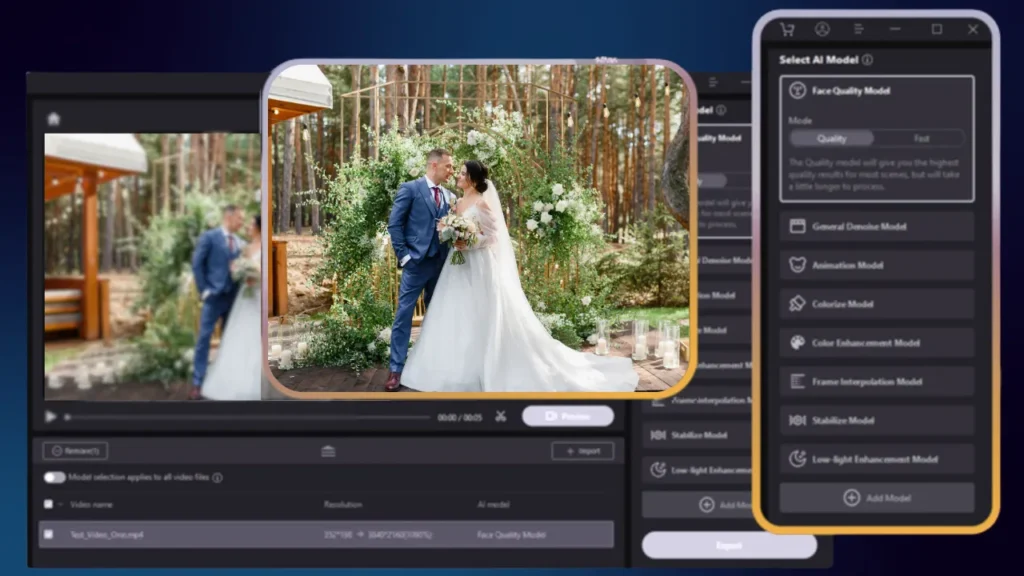
Future of AI Video Enhancement
AI can do a lot more than just manually enhancing 720p to 4K one. The future of AI is optimistic. Here are key takeaways:
Real-time Upscaling
AI integration into the editing software will facilitate real-time upscaling and reduce processing times to only seconds per clip. This enables editors to see instant improvements during the editing process, streamlining workflow and boosting productivity.
Hyper-Accurate Pixel Generation
Future AI models will create hyper-accurate pixels from a minimum of input footage. This allows the restoration of even damaged or low-quality tapes, preserving natural details. Such advanced reconstruction will give old wedding videos new life.
Quantum-Inspired Faster Processing
Quantum-inspired algorithms will speed up AI processing, allowing it to natively handle ultra-high resolutions beyond 8K, future-proofing video quality for emerging display technologies.
Personalised Video Experiences
AI will allow customisation of enhancement effects according to user preferences, such as accentuating skin tones and color profiles suited for specific wedding themes prevalent in the USA, thus creating uniquely personalised visuals.
Automatic Reframing for Social Media
AI will automatically reframe footage into optimal dimensions for vertical social sharing on platforms like Instagram Stories and TikTok, amplifying engagement without compromising the integrity of an original scene.
Object Removal
AI-powered removal will erase distractions like photobombers or unwanted background elements with ease, so emotional focus on the wedding moments is retained.
Generative AI for Filler Shots
Generative AI will create new filler shots that match the style and aesthetic of the original film to help smooth out edits or extend video length without reshooting.
Voice Cloning for Audio Restoration
AI voice cloning technology will restore and clarify muffled or damaged wedding vows and speeches, improving audio quality while retaining the original speaker’s tone and emotion.
VR Compatibility with Immersive Experiences
Future video enhancements will include virtual reality formats, allowing immersive wedding replays where the viewer can re-experience the ceremony and reception in a three-dimensional, virtual environment.
Why Eterna Edits Is the Best Place for AI Video Enhancement
If you’re looking to enhance your wedding film but don’t want the hassle of DIY, or you want professional, polished results, Eterna Edits is a go-to choice. Here’s why:
Expertise in Wedding Video Editing
From wedding film idea generation to final editing, we do it all. Apart from this, we also focus on highlighting emotional moments, the structure of your video and preserving memories with care.
Comprehensive Services including AI Upscaling and Beyond
From raw footage upscaling to color grading, stabilisation, cinematic editing and final 4K output, we take care of everything.
Service Flexibility
Whether you need corporate video editing services or YouTube video editing services, we provide services to the various needs of audiences.
Time and Effort Savings
We believe timely delivery of edits is very important; hence, at Eterna edits, we deliver ready-to-share, high-quality video in the prescribed time, saving your time and efforts.
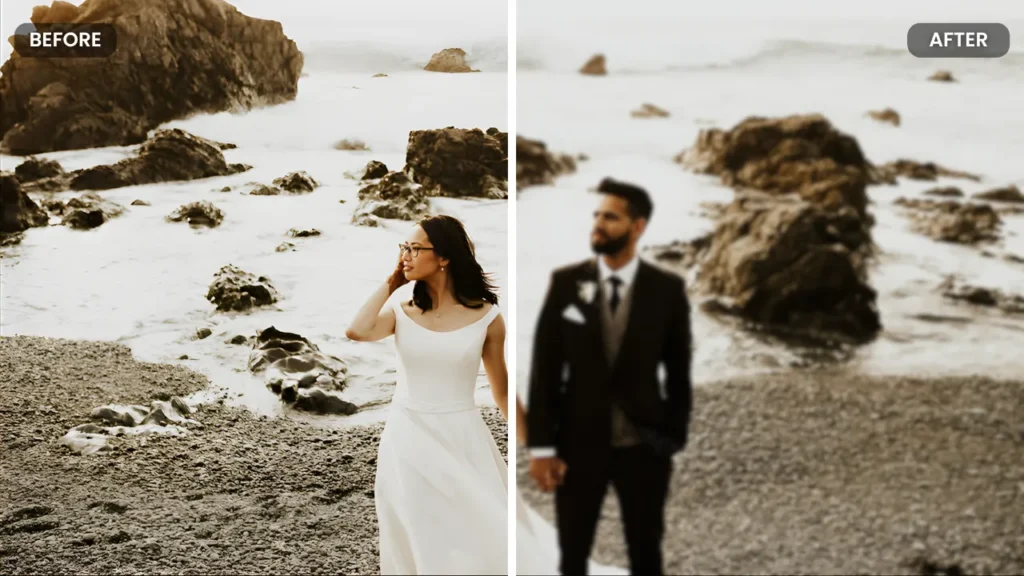
Final Thoughts
Your wedding film is more than just footage, it’s a timeless blend of your special moments, emotions and memories that last a lifetime.
Using the latest AI video enhancement advancements, you can transform grainy, faded footage into crisp, vivid 4K video.
By choosing the right tool, whether a user-friendly solution like Tensorplix, a versatile upgrader like AVCLabs or a pro-level software like Topaz Video AI, you can bring the best from your footage.
And if you want a polished, ready-to-watch final edit without any technical hassle, Eterna Edits stands out as an excellent partner for wedding video editing services.
Whether you’re planning to upgrade to old footage or want to share highlights with loved ones, AI-enhanced wedding videos are a smart investment.
With 4K clarity, vibrant colors, and detailed editing, we convert your old footage into timeless classics smoothly.
AI Video Enhanced Wedding Films – Your Questions, Clearly Answered
What is AI video enhancement or upscaling?
AI video enhancement uses machine-learning models to fill in missing information, sharpen frames, reduce noise, and upscale old footage into high-resolution formats such as 4K. It turns grainy wedding videos into sharp, modern-quality visuals that are perfect for today’s screens.
How does AI video upscaling actually work for old wedding footage?
AI analyses patterns across frames, predicts missing details, resolves noise, and rebuilds texture and clarity. All this leads to cleaner, smoother, higher-resolution 4K wedding videos with life-like color and better motion.
Which AI tools can be used to enhance old wedding videos to 4K?
Popular options include Topaz Video AI, AVCLabs Video Enhancer AI, Gigapixel Video AI, and cloud options like TensorPlix. Each offers features of advanced upscaling, denoising, stabilisation, and motion-aware processing to be appropriate for wedding films.
Is it better to upscale the whole wedding film or only short clips/highlights?
Upscaling the full film captures every emotion in pristine quality, while enhancing just the highlights is faster and more budget-friendly. Which one you choose depends on the condition of your video, the length of the file, and your end-use anniversary edits, social clips, etc.
What hardware or computing resources are required for good AI upscaling performance?
AI upscaling benefits greatly from strong GPUs such as NVIDIA RTX, 32GB RAM, and NVME SSDs. If one doesn’t have such good hardware, fast rendering is achievable through cloud-based AI services without the need for powerful equipment.
How long does the upscaling process usually take?
It depends on many variables: video length, resolution, and hardware. Small clips may be upscaled in several minutes, and some full wedding films can take several hours. Cloud services usually provide much faster, consistent results.
How can I back up and preserve my original footage before upscaling?
Store originals on an external SSD, cloud storage, or multiple drives. Keeping untouched files means being able to re-edit, upscale, or correct issues without losing one’s raw memories.
Can I crop or reframe an upscaled video for social media without quality loss?
Yes, because VHS to 4K enhancement offers higher pixel density, you can crop for vertical Reels, Stories, TikTok, or close-up shots with no noticeable quality loss, making it ideal for content sharing in these modern times.
Can AI remove unwanted guests or objects from a wedding video?
Advanced AI-powered editing can help remove distractions, such as photobombers, clutter, or objects in the background, to maintain emotional focus on the couple and key wedding moments.
What is the role of predictive modelling in AI upscaling?
Predictive modelling employs deep learning to rebuild missing textures, facial details, fabrics, and background elements that don’t exist in low-resolution footage. This makes the 4K output naturally detailed.
Does AI remove motion blur from wedding videos?
AI can significantly reduce motion blur caused by shaky hands or fast movements, so that after enhancement, the footage would look much clearer and more professional.